
Feed Remover
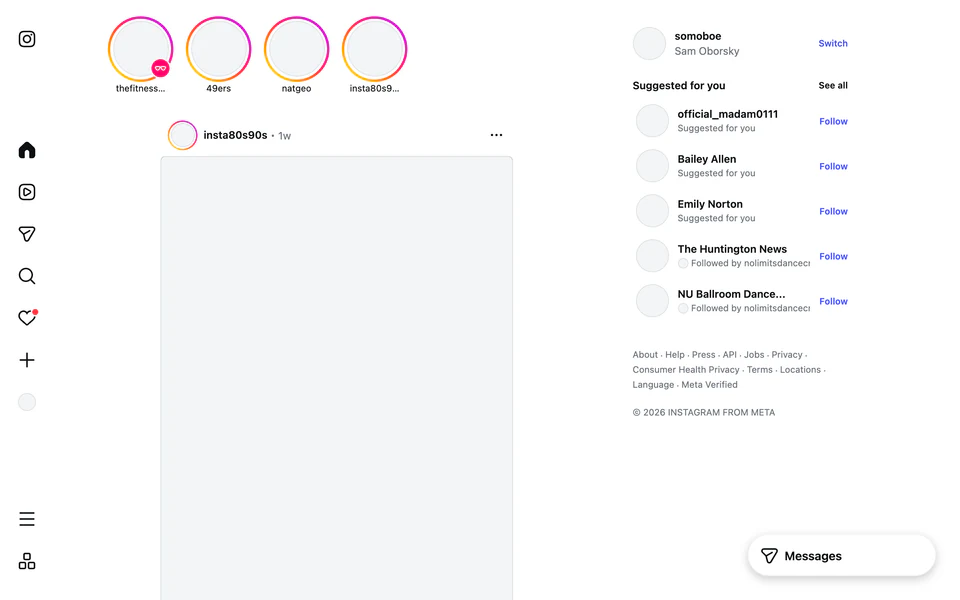
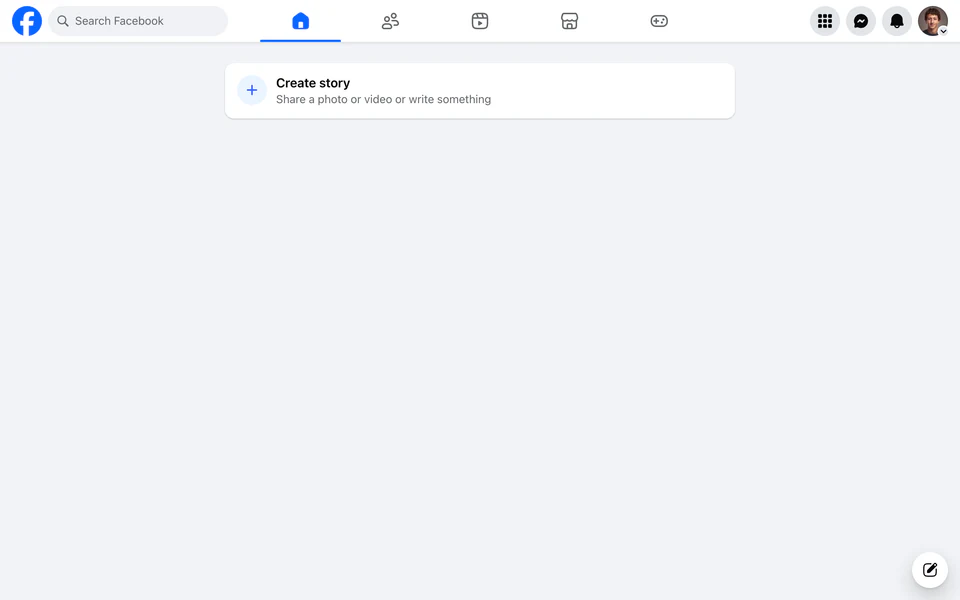
Feed Remover hides social media feeds & recommended content. It allows you to access information you proactively search for, without falling down rabbit holes.

You're using ScreenLab Lite. Try the full version for personalized insights and suggestions.
You're using ScreenLab Lite. The full version is currently Mac only. Click to be notified when it comes to .

Learn how to use ScreenLab in 60 seconds
Available once the extension is installed

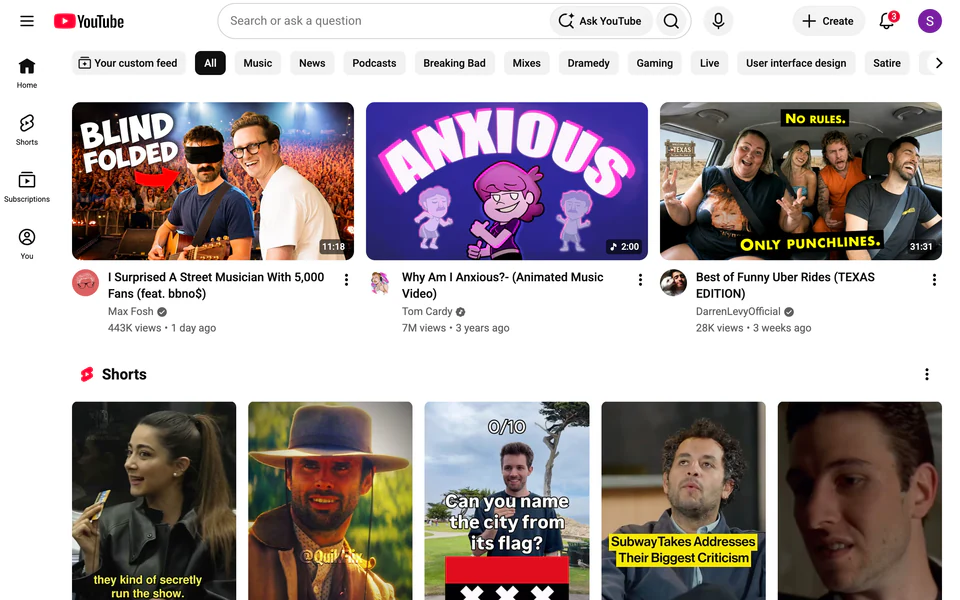

Block the feeds & recommendations that keep you scrolling
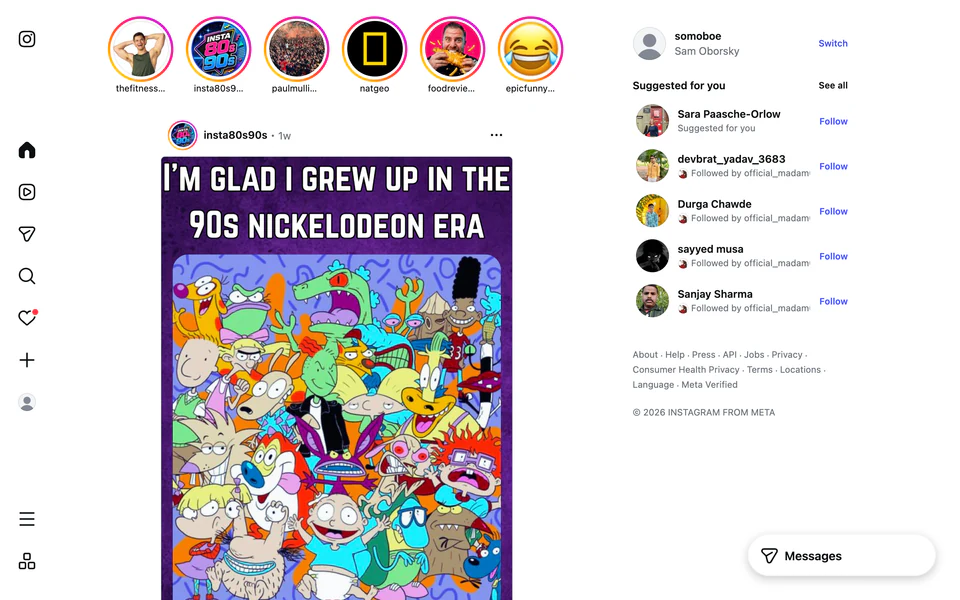
Fade distracting websites to a dull black & white
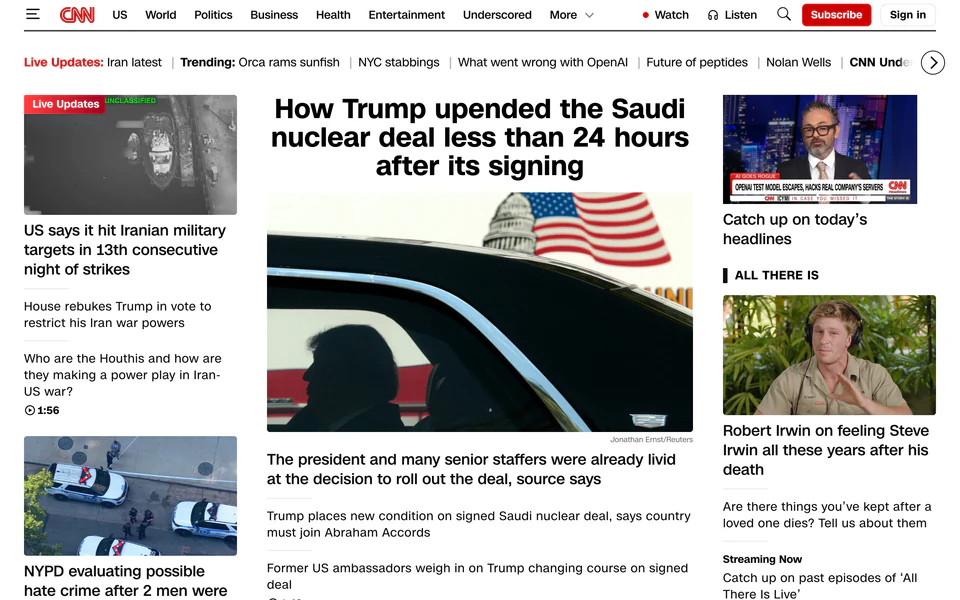
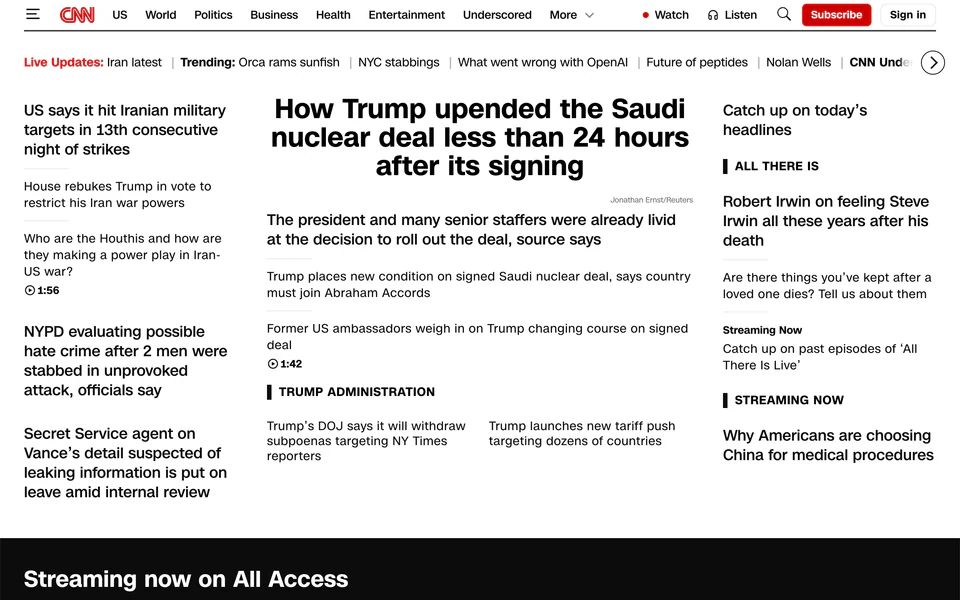
Hide images & thumbnails that grab your attention
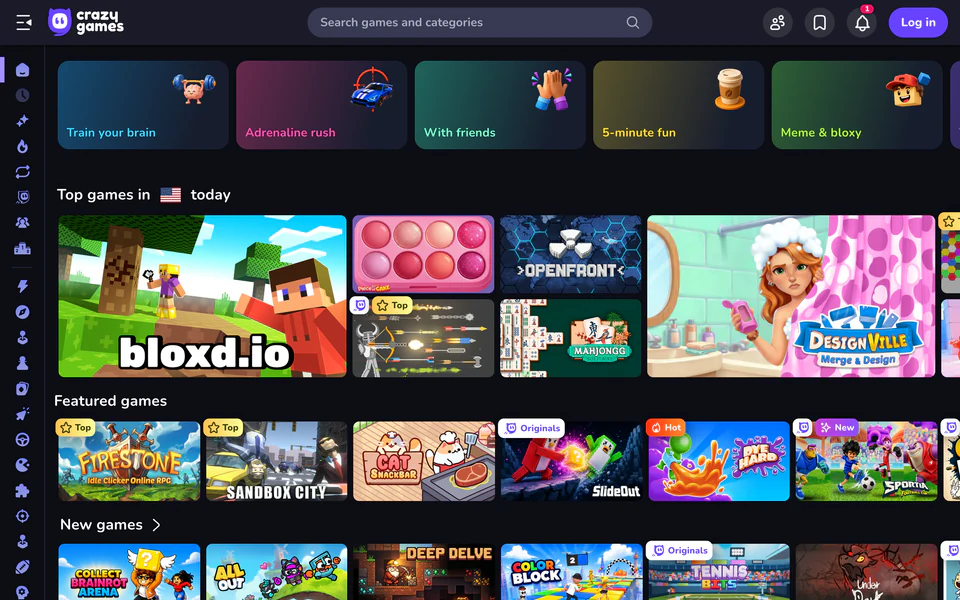
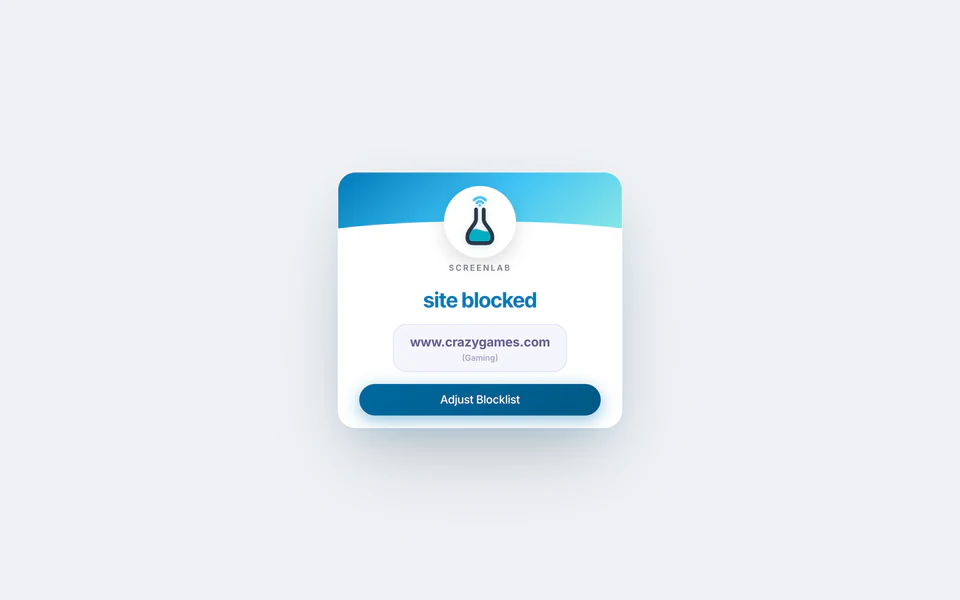
Block distracting websites entirely
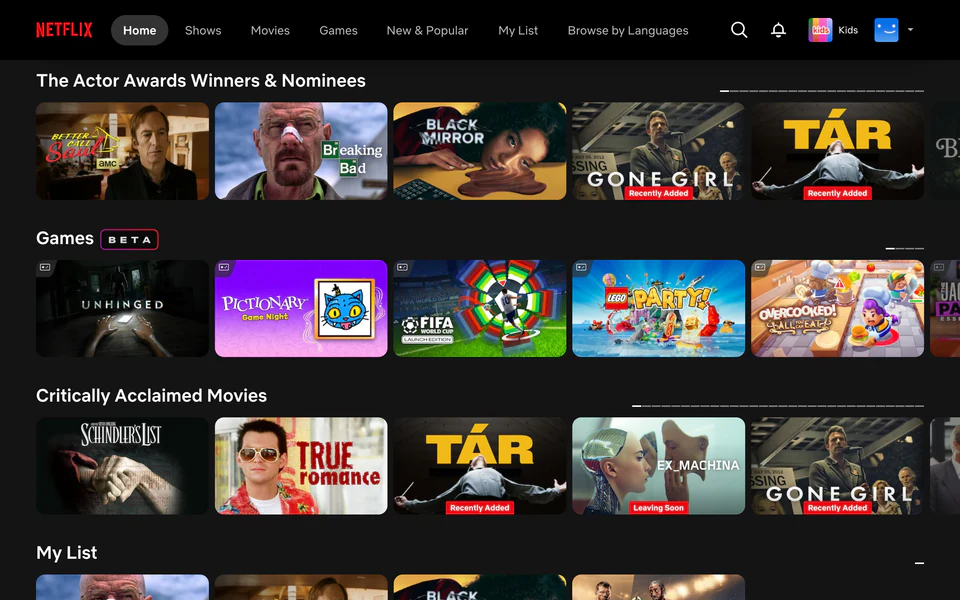
Filter blue light to potentially improve sleep
You're using ScreenLab Lite. Try the full version for personalized insights and suggestions.
You're using ScreenLab Lite. The full version is currently Mac only. Click to be notified when it comes to .
Learn how to use ScreenLab in 60 seconds
Available once the extension is installed
Block the feeds & recommendations that keep you scrolling
Fade distracting websites to a dull black & white
Hide images & thumbnails that grab your attention
Block distracting websites entirely
Filter blue light to potentially improve sleep
Please access screenlab.org from desktop (or click here for mobile product updates)
A free suite of tools to reduce online distraction. No signup required.
How it works
This extension does not collect or share any data. Read our privacy policy
You won't see any distracting recommendations when you visit youtube.com.
Toggle tools that help minimize distracted time. For example:
See how enabling tools makes distracting sites less addictive

Because you're using ScreenLab Lite, you'll only see global averages, not personalized data.

Time reduced measures the reduction in time spent on Youtube when the tool is enabled vs disabled.
Because you're using ScreenLab Lite, the numbers here are global averages. For personalized data, Mac users can sign up for the full product.
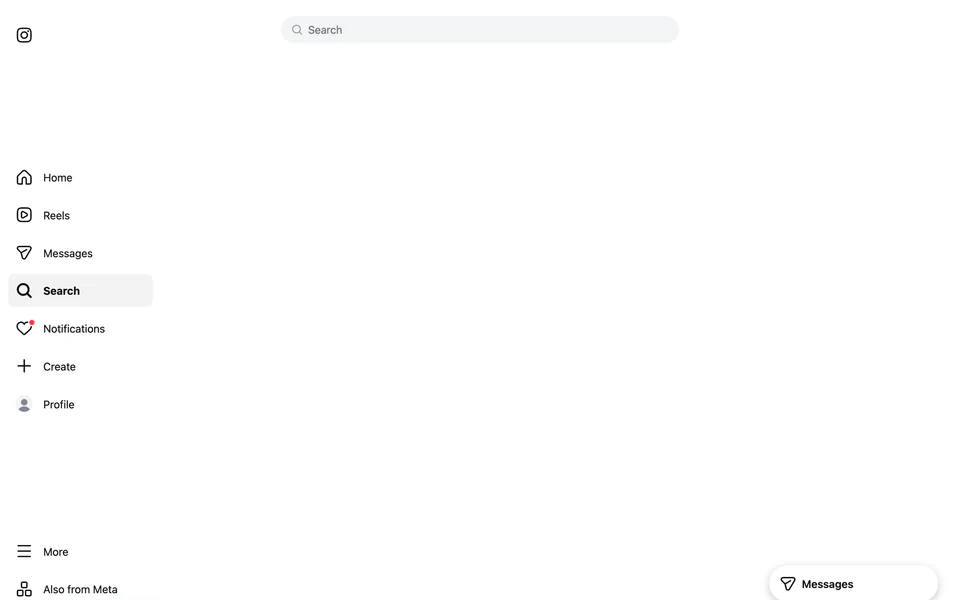
Time reduced measures the reduction in time spent on Instagram when the tool is enabled vs disabled.
Because you're using ScreenLab Lite, the numbers here are global averages. For personalized data, Mac users can sign up for the full product.
Time reduced measures the reduction in time spent on Social Media when the tool is enabled vs disabled.
Because you're using ScreenLab Lite, the numbers here are global averages. For personalized data, Mac users can sign up for the full product.
Time reduced measures the reduction in time spent on Social Media when the tool is enabled vs disabled.
Because you're using ScreenLab Lite, the numbers here are global averages. For personalized data, Mac users can sign up for the full product.
Time reduced measures the reduction in time spent on Social Media when the tool is enabled vs disabled.
Because you're using ScreenLab Lite, the numbers here are global averages. For personalized data, Mac users can sign up for the full product.
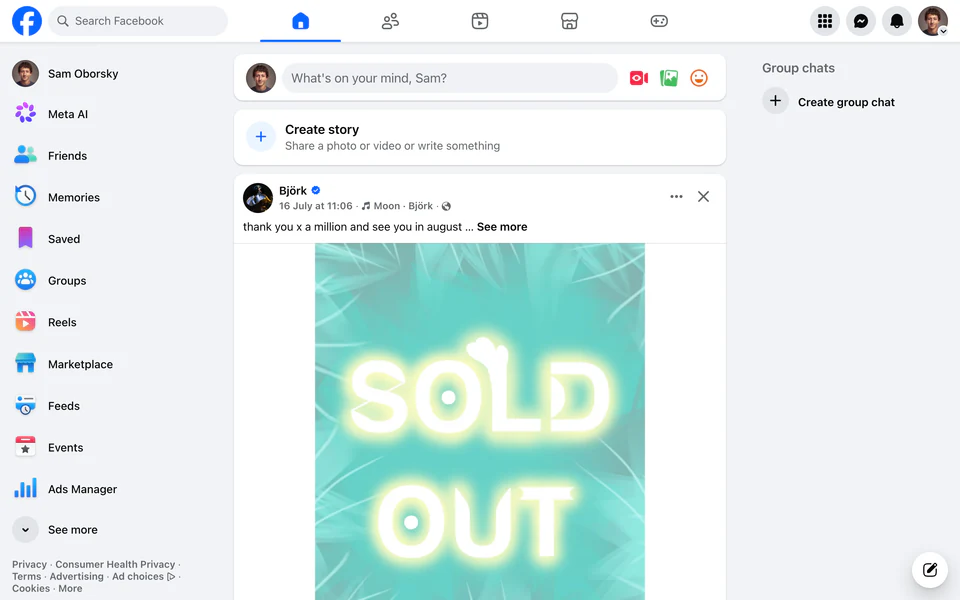
Time reduced measures the reduction in time spent on Facebook when the tool is enabled vs disabled.
Because you're using ScreenLab Lite, the numbers here are global averages. For personalized data, Mac users can sign up for the full product.
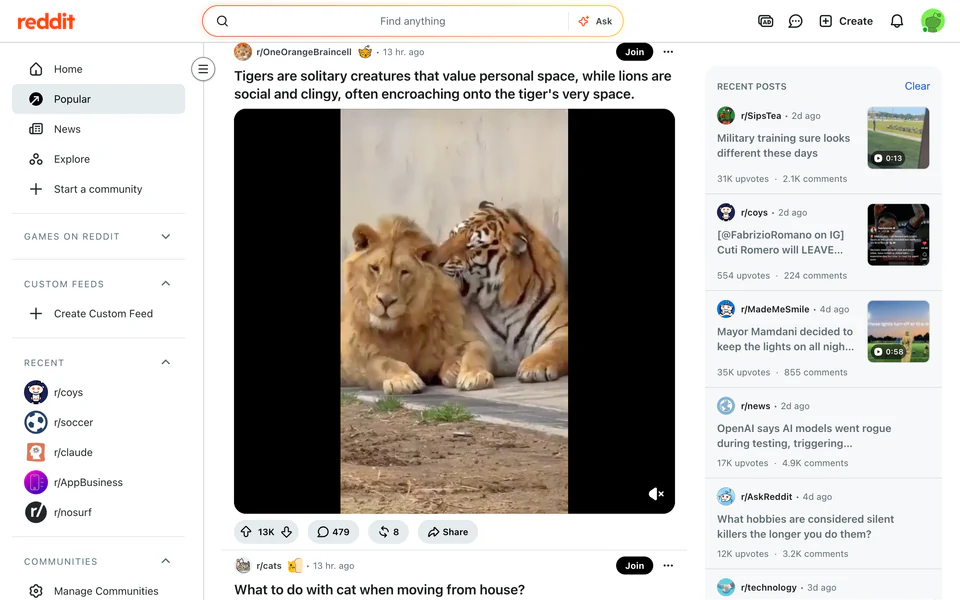
Time reduced measures the reduction in time spent on Reddit when the tool is enabled vs disabled.
Because you're using ScreenLab Lite, the numbers here are global averages. For personalized data, Mac users can sign up for the full product.

Time reduced measures the reduction in time spent on News when the tool is enabled vs disabled.
Because you're using ScreenLab Lite, the numbers here are global averages. For personalized data, Mac users can sign up for the full product.
Time reduced measures the reduction in time spent on Social Media when the tool is enabled vs disabled.
Because you're using ScreenLab Lite, the numbers here are global averages. For personalized data, Mac users can sign up for the full product.

Time reduced measures the reduction in time spent on Gaming when the tool is enabled vs disabled.
Because you're using ScreenLab Lite, the numbers here are global averages. For personalized data, Mac users can sign up for the full product.
Time reduced measures the reduction in time spent on News when the tool is enabled vs disabled.
Because you're using ScreenLab Lite, the numbers here are global averages. For personalized data, Mac users can sign up for the full product.

Time reduced measures the reduction in time spent on Streaming / Video when the tool is enabled vs disabled.
Because you're using ScreenLab Lite, the numbers here are global averages. For personalized data, Mac users can sign up for the full product.
Time reduced measures the reduction in time spent on Gaming when the tool is enabled vs disabled.
Because you're using ScreenLab Lite, the numbers here are global averages. For personalized data, Mac users can sign up for the full product.
Time reduced measures the reduction in time spent on Gaming when the tool is enabled vs disabled.
Because you're using ScreenLab Lite, the numbers here are global averages. For personalized data, Mac users can sign up for the full product.
Time reduced measures the reduction in time spent on News when the tool is enabled vs disabled.
Because you're using ScreenLab Lite, the numbers here are global averages. For personalized data, Mac users can sign up for the full product.
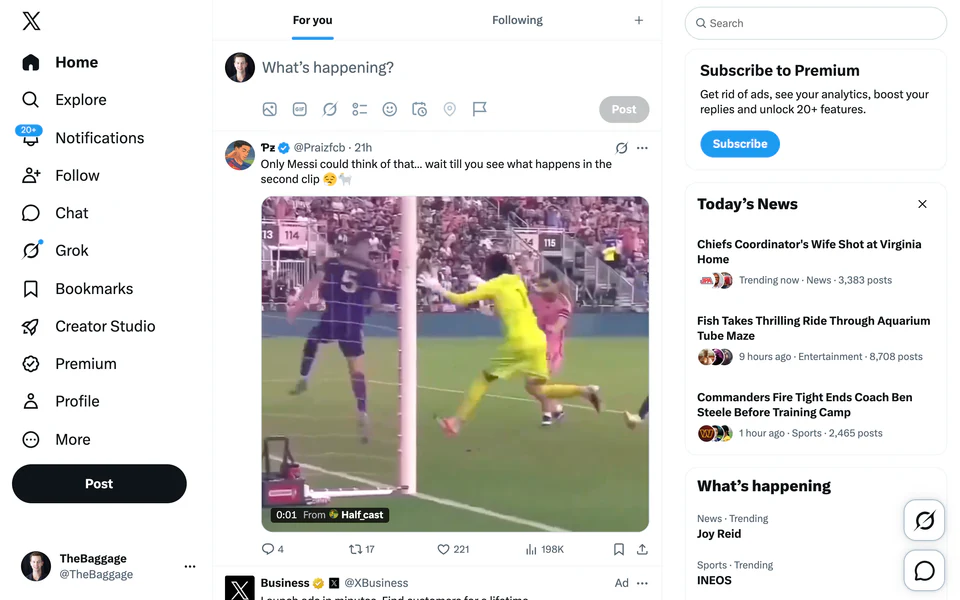
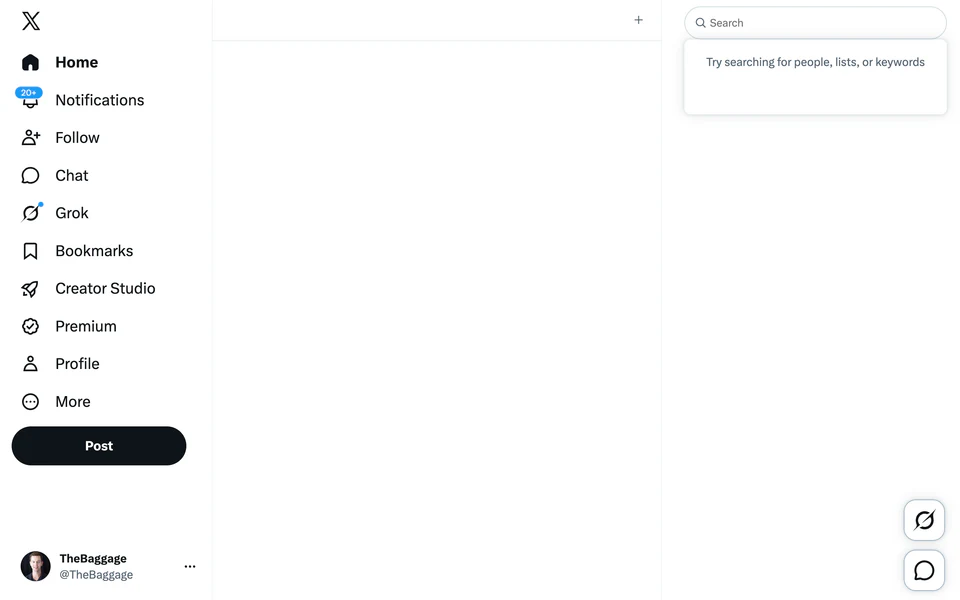
Time reduced measures the reduction in time spent on X when the tool is enabled vs disabled.
Because you're using ScreenLab Lite, the numbers here are global averages. For personalized data, Mac users can sign up for the full product.
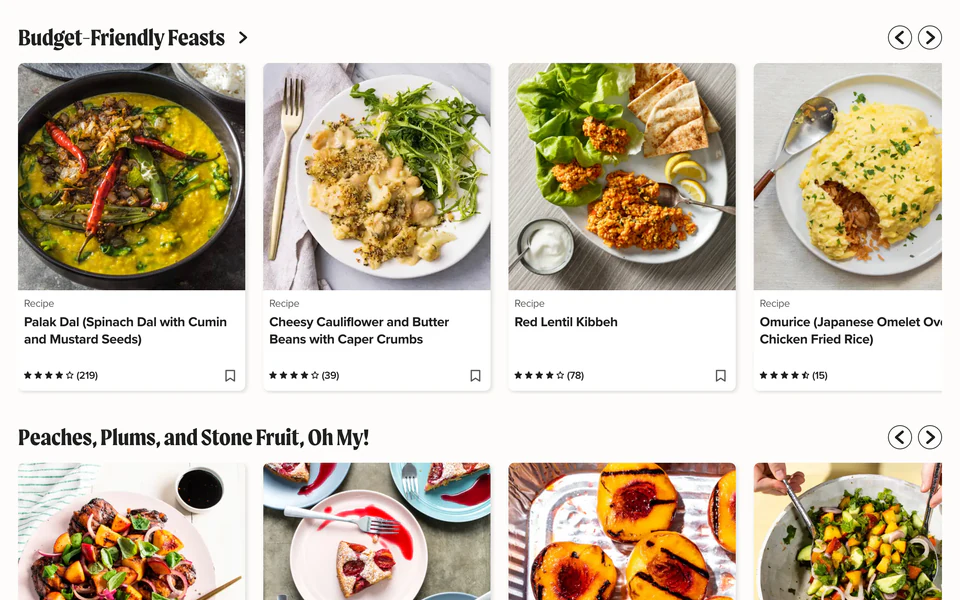

Time reduced measures the reduction in time spent on Lifestyle when the tool is enabled vs disabled.
Because you're using ScreenLab Lite, the numbers here are global averages. For personalized data, Mac users can sign up for the full product.
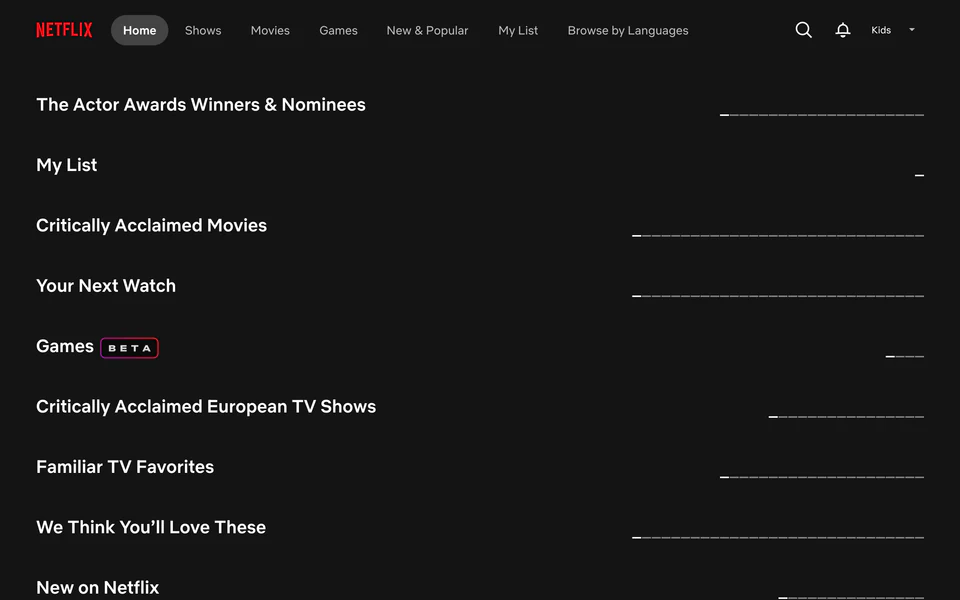
Time reduced measures the reduction in time spent on Streaming / Video when the tool is enabled vs disabled.
Because you're using ScreenLab Lite, the numbers here are global averages. For personalized data, Mac users can sign up for the full product.
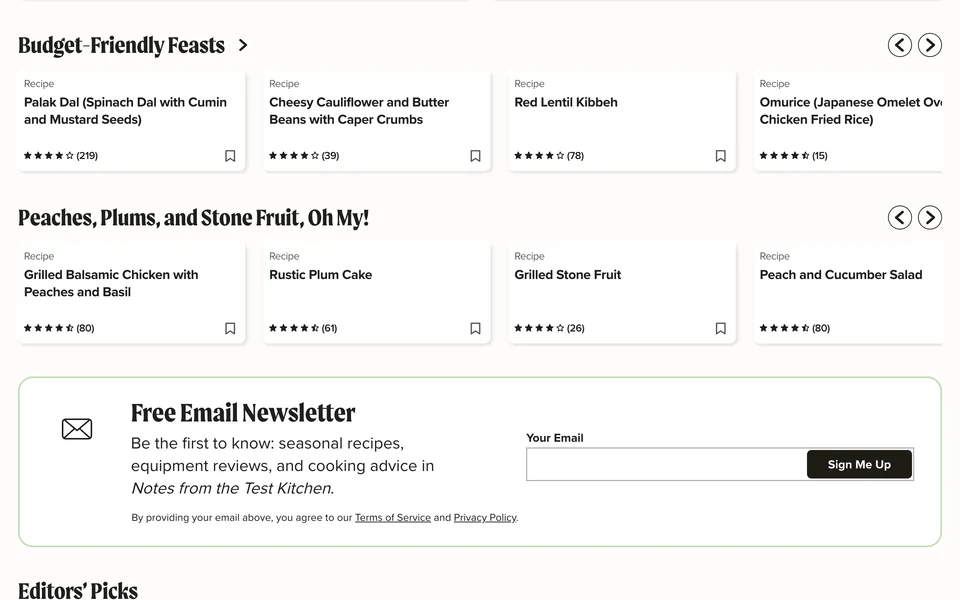
Time reduced measures the reduction in time spent on Lifestyle when the tool is enabled vs disabled.
Because you're using ScreenLab Lite, the numbers here are global averages. For personalized data, Mac users can sign up for the full product.
Time reduced measures the reduction in time spent on Lifestyle when the tool is enabled vs disabled.
Because you're using ScreenLab Lite, the numbers here are global averages. For personalized data, Mac users can sign up for the full product.
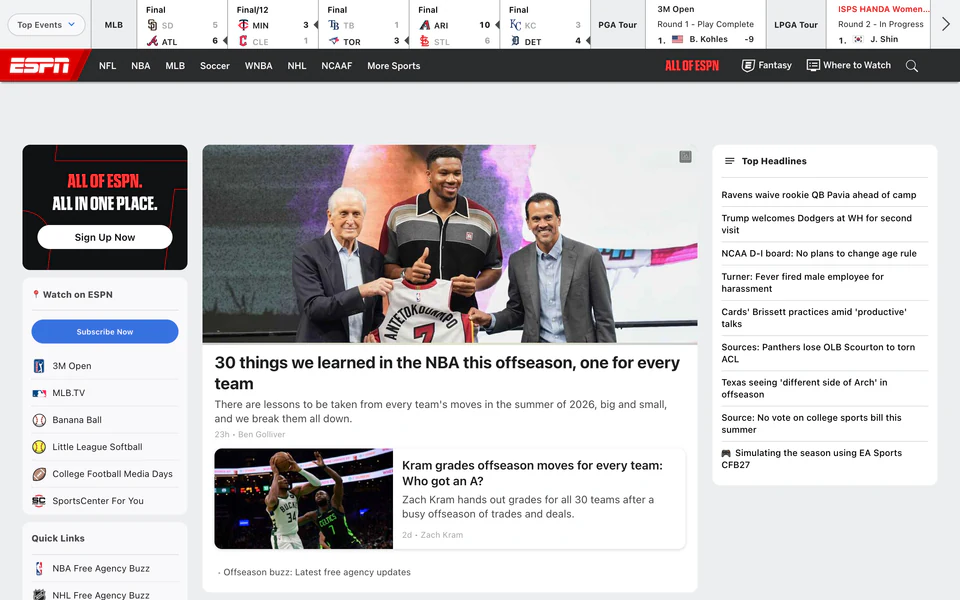

Time reduced measures the reduction in time spent on Sports when the tool is enabled vs disabled.
Because you're using ScreenLab Lite, the numbers here are global averages. For personalized data, Mac users can sign up for the full product.
Time reduced measures the reduction in time spent on Streaming / Video when the tool is enabled vs disabled.
Because you're using ScreenLab Lite, the numbers here are global averages. For personalized data, Mac users can sign up for the full product.
Time reduced measures the reduction in time spent on Streaming / Video when the tool is enabled vs disabled.
Because you're using ScreenLab Lite, the numbers here are global averages. For personalized data, Mac users can sign up for the full product.
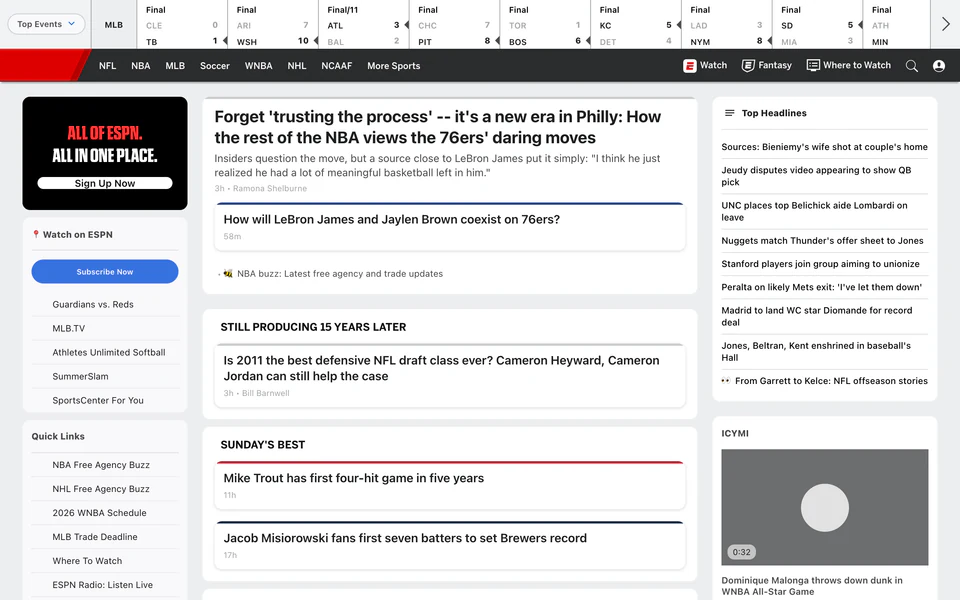
Time reduced measures the reduction in time spent on Sports when the tool is enabled vs disabled.
Because you're using ScreenLab Lite, the numbers here are global averages. For personalized data, Mac users can sign up for the full product.
Time reduced measures the reduction in time spent on Sports when the tool is enabled vs disabled.
Because you're using ScreenLab Lite, the numbers here are global averages. For personalized data, Mac users can sign up for the full product.
Time reduced measures the reduction in time spent on Gaming when the tool is enabled vs disabled.
Because you're using ScreenLab Lite, the numbers here are global averages. For personalized data, Mac users can sign up for the full product.
Time reduced measures the reduction in time spent on News when the tool is enabled vs disabled.
Because you're using ScreenLab Lite, the numbers here are global averages. For personalized data, Mac users can sign up for the full product.
Time reduced measures the reduction in time spent on Sports when the tool is enabled vs disabled.
Because you're using ScreenLab Lite, the numbers here are global averages. For personalized data, Mac users can sign up for the full product.
Feed Remover hides social media feeds & recommended content. It allows you to access information you proactively search for, without falling down rabbit holes.
Think you're above the lure of bright lights and shiny colors? Data suggests you might not be. Enable Black & White to dull distracting sites.
Remove images and videos so that you can read without distraction from media. Especially handy for news & sports sites.
Bright (especially blue) light can disrupt sleeping patterns. Blue Filter reduces blue & bright lights on distracting sites. Schedule it at night to reduce late-night bingeing.
Sometimes, the easiest way to avoid temptation is to block it out. Site Blocker blocks access to distracting categories.